

Updated October 16, 2026 | Written for HOA boards, property managers and security directors planning a move from fully staffed gatehouses to hybrid or remote coverage.
Quick Answer
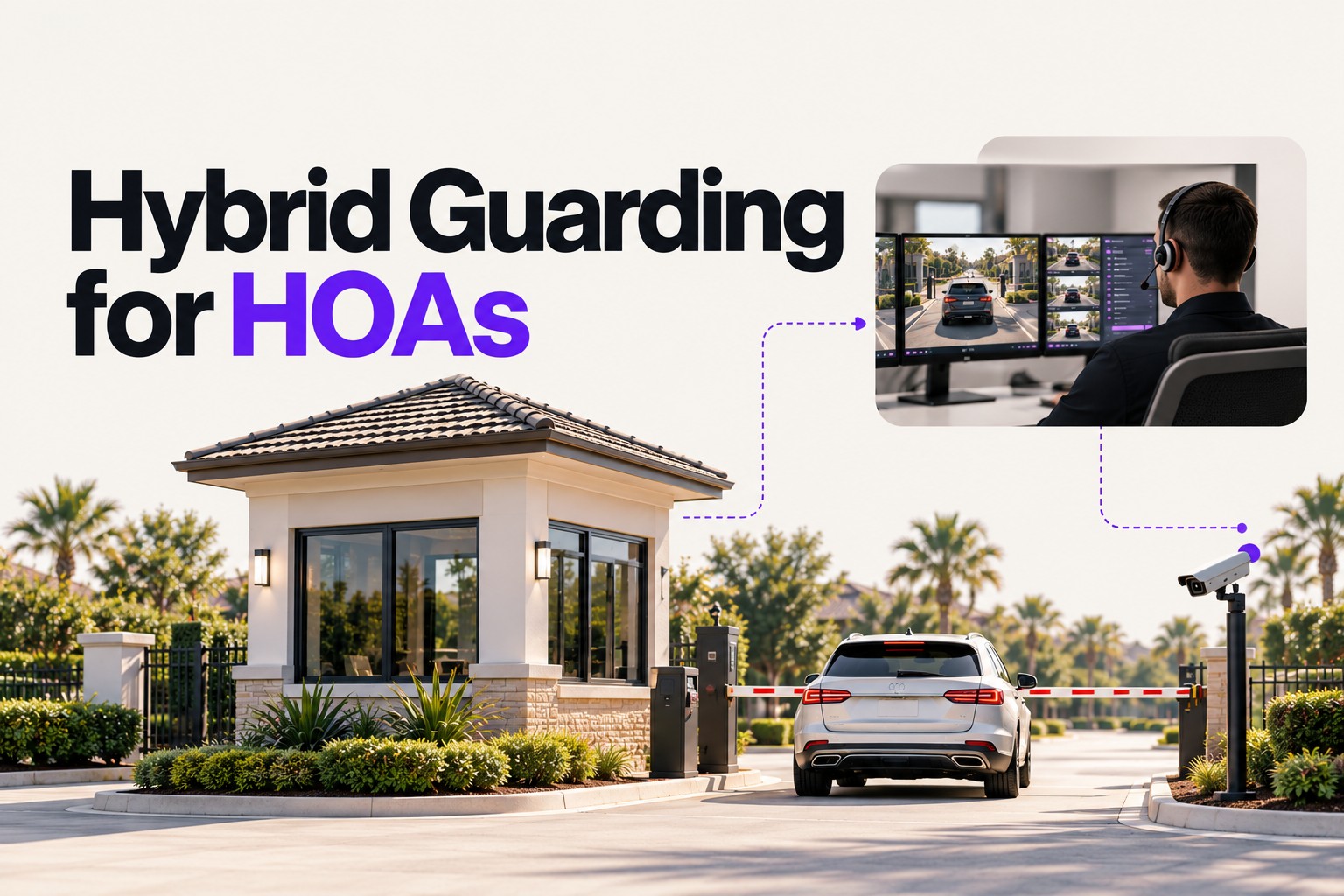
A hybrid gatehouse combines on-site officers and remote operators on one set of procedures and one visitor database. The most common pattern is staffed by day and remote by night, with automated resident lanes around the clock. Hybrid works when both teams share the same guest lists, post orders and exception rules, shift handoffs are scripted, residents know what changes, and the transition is phased and measured rather than switched overnight.
Why hybrid is usually the first step, not the last
Many boards prefer to phase the move from a fully staffed gatehouse to remote coverage rather than changing the entire operating model at once. Residents are used to a familiar face, peak hours bring the hardest exceptions, and nobody wants to learn the weaknesses of a new model during holiday traffic. A hybrid gatehouse lets a community keep people where judgment matters most and shift quieter hours to remote coverage and automation, then expand based on what the data shows.
The framework in this article is simple. A hybrid gatehouse is one operation with two staffing modes, not two operations. Hybrid models become harder to manage when the day shift and remote shift operate as separate systems.
What does a hybrid gatehouse look like?
Hybrid models vary by entrance, time of day and traffic. These are the patterns communities most often consider:
| Pattern | How it works | Fits best when |
|---|---|---|
| Staffed by day, remote by night | An officer covers daytime and early evening; a remote operator handles visitors overnight | Overnight visitor volume is low and daytime has contractors, deliveries and events |
| Staffed main gate, remote secondary gate | The main entrance stays staffed; secondary or service gates run on kiosk and remote verification | A community has multiple entrances with very different traffic |
| Peak staffing | Officers cover weekday mornings, weekends and event days; remote coverage fills the rest | Traffic is concentrated in predictable windows |
| Remote primary, on-site rover | Remote operators handle the gate; an on-site officer patrols and responds | The community wants physical presence on property more than in the booth |
In every pattern, resident lanes should run on credentials or license plate recognition so neither the officer nor the operator spends time on residents.
How do you keep day and night shifts on the same page?
Hybrid coverage depends on four shared elements. If any one of them is split between teams, residents will notice.
Shared visitor data
The on-site officer and the remote operator must see the same guest lists, vendor rules, banned lists and resident notes in real time. When a resident adds a guest at 9 PM, the overnight operator should see it immediately; when the overnight operator turns away a visitor, the morning officer should see the record. This is the technology layer described in our guide to virtual guard software, and it is the single biggest predictor of whether hybrid works. See also visitor management.
One set of post orders
Post orders tell the security team what the community expects. The CAI Foundation’s best practices recommend defining post orders at the start of a contract, training the team on them, treating them as a living document, and sharing a short version with residents so expectations match. In a hybrid model, write one set of post orders that covers both staffing modes, then note the few places where on-site and remote steps differ, such as who handles a package delivery or a medical call.
Scripted shift handoffs
The moment coverage changes from on-site to remote, or back, is where things get missed. A good handoff covers:
- Open items: expected late arrivals, contractors still on property, unresolved resident requests
- Exceptions in progress: a visitor turned away who may return, a gate component acting up
- Confirmation that the kiosk, intercom, cameras and remote gate control are working before the officer leaves
- A logged handoff record both sides can see
Exception handling rules
Most entries are routine. Hybrid models succeed or fail on exceptions: a visitor not on the list whose resident does not answer, a vendor outside approved hours, a delivery driver, an emergency vehicle, a resident who forgot a credential. For each exception, the post orders should say who decides, what they check, what they tell the visitor, and what gets logged, in both staffing modes.
What should residents be told?
Residents judge a transition by how the gate feels, not by the contract. Clear communication before the change prevents most complaints:
- What changes and when: hours of remote coverage and which gates are affected
- What residents need to do: add guests and vendors in the app or portal, register vehicles, use QR or PIN passes
- What visitors will experience at the kiosk or intercom
- How to reach someone for urgent issues, and what the gate does during an outage
- A short, plain-language summary of post orders so residents know what the team will and will not do
Community association guidance also cautions boards about language that implies a duty to protect. CAI legal material suggests terms such as “access gates” and “attendants” rather than “security guards.” Ask your association’s counsel how to word resident notices.
How should a community phase the transition?
A phased transition reduces risk and gives the board data before each next step.
- Baseline: measure current traffic by hour, visitor volume, exceptions and complaints. You cannot judge the change without a before picture.
- Fix the technology layer first: move residents to credentials or LPR, move guest lists into a shared visitor management system, and install or confirm kiosks, intercoms, lane cameras and remote gate control.
- Write unified post orders: one document for both staffing modes, with exception rules and handoff steps.
- Pilot one window: start with overnight hours or a secondary gate, where volume is lowest.
- Review: establish a defined review period before the pilot begins, then compare wait times, exceptions, incidents and resident feedback against the baseline.
- Expand or adjust: extend remote hours, add gates, or pull back where the data says on-site coverage still matters.
Plan outage behavior before the pilot. FCAP guidance for Florida communities advises knowing whether gates fail open or fail locked during a power failure and building gate programming and backups into storm preparation. Access technology providers likewise describe backup power, connectivity redundancy and manual entry procedures as part of any overnight remote plan.
What does hybrid change about cost?
Hybrid changes which hours a community pays for on-site staffing and adds technology and remote coverage costs. The right comparison is the total operating model, not the guard contract alone. For a full breakdown of how to compare gatehouse staffing and remote options, see our guide to gate guard cost.
Common hybrid mistakes
- Two lists, two systems: the day officer uses a clipboard or one app and the night operator uses another.
- Handoffs by memory: no logged handoff, so open items vanish at shift change.
- Residents still at the intercom: operators spend their time on residents instead of visitors.
- Switching overnight: no baseline, no pilot, no review point.
- Post orders written for on-site only: remote operators guess at exceptions.
- Locking in the technology with the guarding contract: if the guarding provider owns the kiosks and data, changing the staffing mix later gets harder.
Board checklist for a hybrid gatehouse
| Question | Why it matters |
|---|---|
| Do on-site and remote staff use the same visitor database? | Prevents conflicting decisions between shifts |
| Is there one set of post orders covering both modes? | Keeps exceptions consistent |
| How are shift handoffs logged? | Stops open items from getting lost |
| Are resident lanes automated? | Frees operators for visitors and exceptions |
| What happens during an outage? | Defines gate behavior and manual procedures |
| What will residents be told, and when? | Sets expectations and reduces complaints |
| What is the pilot and review plan? | Gives the board data before expanding |
| Who owns the technology and data? | Keeps the community free to change staffing providers or the mix |
For bid language, see our visitor management and access control RFP guide.
Where Proptia fits
Proptia provides the technology layer hybrid coverage runs on. Visitor management, access control, license plate recognition and visitor kiosks share one platform, so on-site staff and remote operators can work from the same records. Its guardhouse software works online or offline with automatic synchronization. Its kiosks include virtual guard and remote concierge integration, so visitors can connect to a remote guard or concierge who can verify them, communicate through the intercom and remotely grant access. The same platform supports both manned and unmanned access points. Proptia is installed and supported through Authorized Proptia Dealers. Across Proptia communities, the platform processes more than 18 million visitors and 73 million access-control transactions annually, according to Proptia’s published figures.
Entity Snapshot
- Hybrid gatehouse: a gate operation that combines on-site officers, remote operators and automated lanes on shared procedures and data.
- Hybrid gate guard model: staffing that alternates or splits on-site and remote coverage by time of day or entrance.
- Post orders: the written instructions that define what the gate team does, including exceptions and emergencies.
- Shift handoff: the logged transfer of open items when coverage changes between on-site and remote.
- Phased transition: baseline, technology, post orders, pilot, review, expand.
- Proptia: visitor management, access control, LPR and kiosk platform delivered through Authorized Proptia Dealers, deployable alongside on-site or remote guarding.
Conclusion
A hybrid gatehouse is one operation with two staffing modes. Get the shared data, post orders, handoffs and exception rules right, tell residents what is changing, and phase the move with a baseline and review points. If you are planning a transition, book a demo with your integrator and current guarding provider so we can map your entrances together.
Frequently Asked Questions
What is a hybrid gatehouse?
A hybrid gatehouse combines on-site officers, remote operators and automated resident lanes under one set of post orders and one visitor database. Coverage shifts between on-site and remote by time of day or by entrance.
How does staffed by day, remote by night work?
An on-site officer covers daytime hours, when contractors, deliveries and events are heaviest. Overnight, visitors use a kiosk or intercom that connects to a remote operator, who verifies them against the same guest lists and opens the gate remotely.
What should a shift handoff include?
Open items such as expected late arrivals and contractors on property, exceptions in progress, confirmation that kiosks, cameras and remote gate control are working, and a logged record both sides can see.
Do we need new post orders for a hybrid model?
Yes. Write one set covering both staffing modes, with clear exception rules and the few steps that differ between on-site and remote coverage. Share a short version with residents.
How should an HOA evaluate a hybrid gatehouse pilot?
Establish the review period before the pilot begins, then compare visitor wait times, exceptions, incidents and resident feedback against the pre-transition baseline before expanding or adjusting coverage.
What happens to the gate if the connection to remote operators fails?
That depends on the design. Plan backup power and connectivity, local operation with stored credentials, fail-open or fail-locked behavior, and manual procedures before the pilot starts.
Does hybrid coverage cost less than full on-site staffing?
It changes the mix of staffing and technology costs. Compare total operating models rather than guard contracts alone; our gate guard cost guide covers how.
Sources
- Foundation for Community Association Research (CAI), Best Practices Report: Community Security (PDF), accessed October 16, 2026.
- Community Associations Institute, Security Services: What Do Community Associations Have a Duty to Protect? (2024, PDF), accessed October 16, 2026.
- FCAP, Florida Community Association Journal, When the Storm Clears: Setting Up Your Security Partner for Post-Disaster Success (June 2026), accessed October 16, 2026.
- FCAP, Florida Community Association Journal, Well-Maintained Post Orders Equals Good Communication, accessed October 16, 2026.
- ButterflyMX, How to Replace Overnight Gate Guards with Virtual Monitoring, accessed October 16, 2026.
- Proptia, Visitor Management and HOA Call Box and Telephone Entry Kiosk, accessed October 16, 2026.