

Updated October 2026 | Originally published May 5, 2026
Quick Answer
HOA security systems in Florida combine access control, visitor management, cameras and often license plate recognition to manage who enters a community. To evaluate one, whether your HOA is in South Florida, the Orlando area or anywhere else in the state, test each option against the conditions your community actually operates under: how the gate is staffed, how visitor and vendor traffic peaks, how seasonal residents change occupancy, how the system holds up through storms and outages, and how it works with the gate technology already in place. Ask vendors to demonstrate each one, compare them on the same scorecard, and follow Florida Statutes Chapter 720 on bids, meetings and records.
How Does It Work?
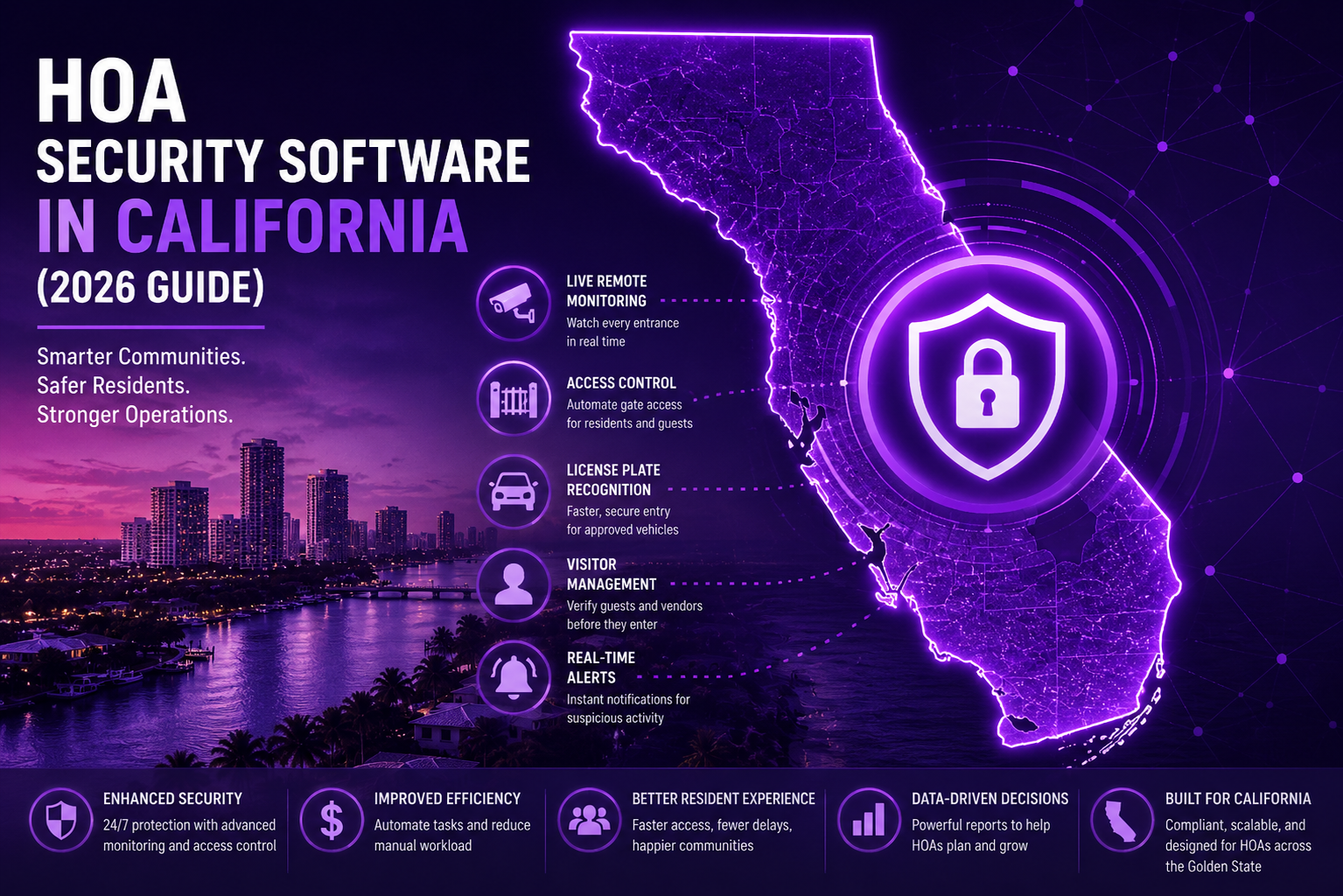
A modern HOA security system connects several layers into one workflow: – Resident access: residents enter with credentials such as mobile apps, key fobs, RFID tags or recognized license plates. – Visitor management: residents pre-approve guests and vendors, or staff verify them at the gate, so visitor check-in is recorded. In the Proptia Resident App, for example, residents can create guest passes, schedule future visits, manage recurring visitors, approve vendors and receive arrival notifications. – Vehicle identification: license plate recognition cameras can log known vehicles and open the gate for approved ones. – Guard workflow: guards or remote operators use one screen to verify visitors, log entries and handle exceptions. – Data and reporting: every entry is recorded, so managers and boards can review activity by entrance and date.
Why It Matters for Florida HOAs
Most HOA security solutions for gated communities list similar features. In Florida, the differences show up under pressure: a holiday weekend, the start of the season, or the weeks after a hurricane. That is why this guide evaluates systems against five operating pressures. For each one, it covers what the pressure does to gate operations, what to look for, and what to ask. It is an evaluation framework, not a product list, and it works for any vendor.
Pressure 1: Staffing
Florida communities run every staffing model: guards at every entrance, a guard at the main gate only, contracted security, remote operators, and unattended resident gates. A system has to support the people who actually run the gate.
What to look for – Guard screens that show pre-approved guests, resident lookup and vehicle details in one place, so guards handle exceptions instead of making calls. – A way to process visitors away from the gatehouse when lines form. For example, Proptia supports mobile visitor processing on a rugged tablet with a portable printer. – For unstaffed or overnight lanes, especially in the Orlando area and other markets where staffing is tight, kiosks or intercoms that connect visitors to residents or a remote operator. For example, Proptia’s kiosks run on 2N and Axis hardware and let security staff verify visitors and open the gate remotely. – Clear roles if a security company or remote provider is involved: who monitors, who decides, and where it is recorded.
Communities weighing remote coverage can see how that model works in our guide to virtual guarding for Orlando HOAs.
Questions to ask – Walk us through a shift for our staffing model, including shift change and a guard calling in sick. – What does a new guard need to learn on day one? – How does the system work when nobody is in the gatehouse?
Pressure 2: Visitor and vendor volume
Visitor traffic in many Florida communities is uneven. Weekends, holidays, clubhouse events and morning contractor arrivals create spikes, and landscaping, pool, pest control, cleaning and delivery traffic often arrive together.
What to look for – Resident self-service, so guests and vendors are registered before they arrive and receive passes by text or email. – Pass types that match how the community works: one-time, recurring and contractor passes with their own date, time and expiration rules. For example, Proptia supports custom guest, vendor and contractor pass types with these rules. – Faster handling of repeat vehicles. Communities considering plate recognition at busy South Florida entrances can review LPR systems for Miami HOAs. – Reports on vendor traffic and peak periods by entrance and hour.
For the general criteria behind these questions, see how to choose HOA visitor management software.
Questions to ask – How does a resident register a recurring vendor, and how does that access end? – What happens at the gate when a vendor’s pass has expired? – Can managers see visitor and vendor volume by entrance and hour?
Pressure 3: Seasonal residents
Many Florida communities, from South Florida to the Gulf Coast, have owners who are there part of the year, homes that sit empty for months, and caretakers, house watchers and contractors who need access while owners are away. Occupancy can change quickly at the start and end of the season.
What to look for – Remote management, so owners can add, change and remove guest and vendor access from anywhere. – Time-bound access for caretakers and contractors, so it ends on schedule without manual cleanup. – A simple way to pause and restore resident credentials or vehicle records for vacant homes, if the community’s rules call for it. – Resident data that stays in sync with the association’s management software. For example, Proptia integrates with CINC Systems and Condo Control.
Questions to ask – How does an owner who is out of state approve a contractor for two weeks? – How do we handle a large wave of returning residents in one month? – What happens to resident records when a home is sold during the off-season?
Pressure 4: Storm resilience
Hurricane season brings power loss, internet and cellular outages, wind and water damage, evacuations, and then a surge of adjusters, restoration crews and contractors. These are planning considerations for every Florida board.
What to look for – Offline operation, and a clear account of what keeps working without internet and how records sync afterward. For example, Proptia’s guardhouse software works online or offline and synchronizes automatically. – Emergency access when power or network is down. For example, Proptia’s kiosks support Knox Box and emergency responder access. – A power plan for each entrance: which devices have battery backup, for how long, and whether each gate opens or stays closed when power fails. That is a decision for the board and its installer, not a default to accept. – A plan for the recovery surge: how to register and track many unfamiliar contractors and adjusters for weeks after a storm. – Hardware protection and replacement: surge protection, enclosures, and how quickly damaged equipment can be replaced.
Questions to ask – Show us the gate workflow with no internet, and again with no power. – After an outage, how do records sync, and is anything lost? – How would we process 50 unfamiliar contractors a day for a month after a storm?
Pressure 5: Mixed gate technologies
Many Florida communities have layers of equipment added over the years: different gate operators at different entrances, older card or transponder readers, telephone entry boxes, cameras from several vendors, and sometimes a separate plate recognition system.
What to look for – A written, device-by-device compatibility review: what stays, what needs an interface, and what must be replaced and why. – Support for the credentials residents already carry during the transition. For example, Proptia supports RFID cards, key fobs, long-range transponders and mobile credentials. – One set of rules and one record across all entrances, even when hardware differs. – A phased plan that starts where the community feels the most pain.
Miami-area boards weighing gate hardware and installation can also review security gate systems in Miami.
Questions to ask – Which of our existing operators, readers and cameras can stay? – Can residents keep their current credentials during the changeover, and for how long? – How do reports combine activity from entrances with different hardware?
Key Features to Look For
Across the five pressures, these features come up most often. Use them as a checklist, then test each one in a demo: 1. One platform for gates, visitors and vehicles, so rules and records are shared. 2. Mobile credentials so residents can open gates from their phones. 3. Visitor pre-authorization with one-time, recurring and contractor passes that expire on schedule. 4. License plate recognition for known vehicles. Ask vendors to demonstrate real-world read performance under the lighting, vehicle speeds, lane geometry and weather conditions at your entrances. 5. Real-time alerts for denied entries, watch-list vehicles and equipment issues. 6. Offline operation that keeps the gate working when the internet is down and syncs afterward. 7. Reporting by entrance, date, vendor and visitor type.
How It Integrates With Existing Systems
Most Florida communities already have gates, readers, cameras and HOA software for community management. A good system should connect to property management software for resident data (for example, Proptia integrates with CINC Systems), work with existing access control hardware where compatible, and link camera records to entry logs. Ask how resident and vehicle data stays current, and how often it syncs.
Common Mistakes to Avoid
- Disconnected systems: one tool for gates and another for visitors creates duplicate work and gaps in the record.
- Ignoring the hard days: a system that works on a quiet weekday may fail during peak season or after a storm.
- Ignoring resident experience: if registering a guest is hard, residents will call the gate instead.
- Not planning for scale: communities add entrances, residents and devices over time.
- Choosing on price alone: compare total cost, including hardware, software, installation, service and the staff time the system saves.
A scorecard for comparing HOA security systems in Florida
Score each row from 1 to 5 based on what the vendor demonstrates, not what it describes. Weight the rows to match your community.
| Operating pressure | What the vendor should demonstrate | Evidence to request |
|---|---|---|
| Staffing | A full shift for your model, including unstaffed periods and shift change | Live demo; training plan; guard screens |
| Visitor and vendor volume | Pre-registration, recurring and contractor passes, peak-hour processing | Demo of pass setup and expiration; sample peak-hour report |
| Seasonal residents | Remote management by owners, time-bound caretaker access, resident data sync | Owner app walkthrough; integration details for your management software |
| Storm resilience | Offline operation, sync after outage, emergency responder access, post-storm contractor processing | Offline demo; written power and network behavior for each entrance |
| Mixed gate technologies | Device-by-device compatibility and a phased plan | Written compatibility review; credential transition plan |
| Records and reporting | Answers to common board questions, by entrance | Sample reports: entries by date, vendor activity, denials |
What Florida’s Chapter 720 says about the project
This section is general information, not legal advice. It summarizes the statute; it does not apply it to any particular association. Ask your association’s attorney how it applies to you.
Florida Statutes Chapter 720 governs homeowners’ associations. Condominium associations operate under a different statutory framework, Chapter 718, and are outside this section (§720.302(4)).
Contracts and competitive bids. Contracts for services, and for materials or equipment, must be in writing. If a contract requires payment exceeding 10 percent of the association’s total annual budget, including reserves, the statute requires competitive bids. The association is not required to accept the lowest bid, and the section lists exceptions (§720.3055). For structuring the process, see our gated community visitor management and access control RFP guide.
Open meetings. Board meetings are open to members, who may speak on designated agenda items. Notices must identify agenda items and are generally posted at least 48 hours in advance (§720.303(2)).
Contracts and bids on the website or app. Bids received are official records kept for one year. Associations with 100 or more parcels must post on their website or app a list of executory contracts and, after bidding closes, a list of bids received in the past year (§720.303(4)).
Guest visit information. The statute excludes from owner-accessible records “information an association obtains in a gated community in connection with guests’ visits to parcel owners or community residents,” along with electronic security measures such as passwords (§720.303(5)(g)). For plate data, retention and privacy, see HOA license plate recognition privacy and data ownership.
Fines and suspensions. Fines and suspensions require notice and a hearing before an independent committee, and a suspension may not prohibit an owner’s or tenant’s vehicular and pedestrian ingress to and egress from the parcel, including parking (§720.305).
How to run the evaluation
- Map each entrance: lanes, hardware, power, network, staffing by hour, and traffic through the season and after storms.
- Decide the paths: for each arrival type (resident, guest, vendor, contractor, emergency responder), who or what approves entry, and what happens when the normal path fails.
- Score vendors on the scorecard using live demonstrations, especially offline operation and pass expiration.
- Plan the bid process with counsel if the contract may exceed 10 percent of the annual budget.
- Pilot one entrance, measure entry times and manual exceptions before and after, then extend.
Entity Snapshot
- HOA: A homeowners’ association that governs a residential community; in Florida, generally governed by Chapter 720.
- Visitor management: Software and procedures for registering, verifying and recording guests, vendors and contractors.
- Access control: The system that decides who can open which gate or door, and when.
- LPR: License plate recognition; cameras and software that read plates to identify vehicles.
- Mobile credentials: Digital access passes on a smartphone that open gates or doors.
- Virtual guarding: Remote operators who monitor entrances and verify visitors through cameras and intercoms.
- Chapter 720: The Florida statute governing homeowners’ associations, including contracts, meetings, records and fines.
Frequently Asked Questions
What is an HOA security system?
An HOA security system is the combination of software and hardware a community uses to control access, manage visitors, record entries and monitor activity, often including gates, readers, cameras and license plate recognition.
How much do HOA security systems cost?
Costs vary with the number of entrances, the hardware already in place, the features chosen and whether guards or remote operators are involved. Pricing typically includes hardware, installation, software and ongoing service fees, so request itemized quotes from each vendor.
How should a Florida HOA evaluate a security system?
Test it against five operating pressures: staffing, visitor and vendor volume, seasonal residents, storm resilience and mixed gate technologies. Ask vendors to demonstrate each one and compare them on the same scorecard.
How should a gate system handle hurricanes and power outages?
Ask what keeps working without internet or power, how records sync afterward, how emergency responders get in, and which devices have battery backup. Decide with your installer whether each gate opens or stays closed when power fails.
How can an HOA manage access for seasonal residents?
Use remote management so owners can approve guests and contractors from anywhere, time-bound passes for caretakers and house watchers, and resident data that stays in sync with the management software.
Does a Florida HOA need competitive bids for a security contract?
Section 720.3055 requires competitive bids when a contract requires payment exceeding 10 percent of the association’s total annual budget, including reserves, with listed exceptions. Ask the association’s attorney how it applies.
Can a Florida HOA upgrade its security system without replacing its existing gates?
Often, yes. A modern security platform may be able to work with existing gate operators, readers, cameras, and resident credentials. The HOA should request a device-by-device compatibility review before deciding what must be replaced.
Conclusion
Whether your community is in South Florida, Central Florida or elsewhere in the state, HOA security systems in Florida should be judged on the community’s hardest days: the busiest holiday weekend, the first week of the season, and the month after a storm. Boards that evaluate vendors against staffing, visitor volume, seasonal residents, storm resilience and existing gate technology will see differences a feature list hides, and following Chapter 720 on bids, meetings and records keeps the project on solid ground.
Before a demo, map each entrance, note how it is staffed through the year, and list the credentials and hardware in place. Then request a Proptia demo and ask to see your community’s scenarios, including offline operation and storm recovery.